
The “Layout Elements” section includes more specialised blocks used in creating pages and posts. There are eight of them Page Break, Separator, Spacer, Buttons, Column, Group, Media and Text, and More.
The “Separator” block is used to create a line (known as a rule) between blocks. I have used it throughout the site.
The “Spacer” block is used to create extra white space between elements. Its size is adjustable.
The “Button” block allows you to create one or more buttons, to link to another page or website. You can adjust the buttons’ appearance, roundness and colour.
This column contains text in a paragraph block.
Die Detailverliebtheit, die https://gokongcasinode.com/ an den Tag legt, ist im Online-Casino-Bereich keineswegs selbstverständlich. Die Bedienoberfläche passt sich automatisch an die Bildschirmgröße des Endgeräts an. Spieler können ihr Konto bei Bedarf jederzeit temporär oder dauerhaft schließen. Bei größeren Auszahlungen ist eine zusätzliche Sicherheitsprüfung Standard. Der Live-Casino-Bereich ist klar strukturiert und nach Spielart und Anbieter sortierbar. Antworten im Live-Chat sind in der Regel persönlich und nicht automatisiert formuliert. Crash-Games und schnelle Mini-Spiele runden das Portfolio mit modernen Spielformaten ab. Slot-Reviews bieten detaillierte Einblicke in Mechaniken und Auszahlungsstrukturen neuer Titel. Der Registrierungsprozess umfasst nur wenige notwendige Schritte und ist in Minuten erledigt. Die Kombination aus Spielvielfalt, Bonusangeboten und Service macht das Angebot besonders attraktiv.

The “Columns” block acts as a base for other blocks, breaking the area into columns which can contain other blocks. The three columns above contain a paragraph, a button and an image.
A heading
A paragraph of text grouped with the heading.
The heading and paragraph above are enclosed in a “Group” block which acts in a similar way to the Columns. Everything in the group is connected so you can move it about on the page as a whole.
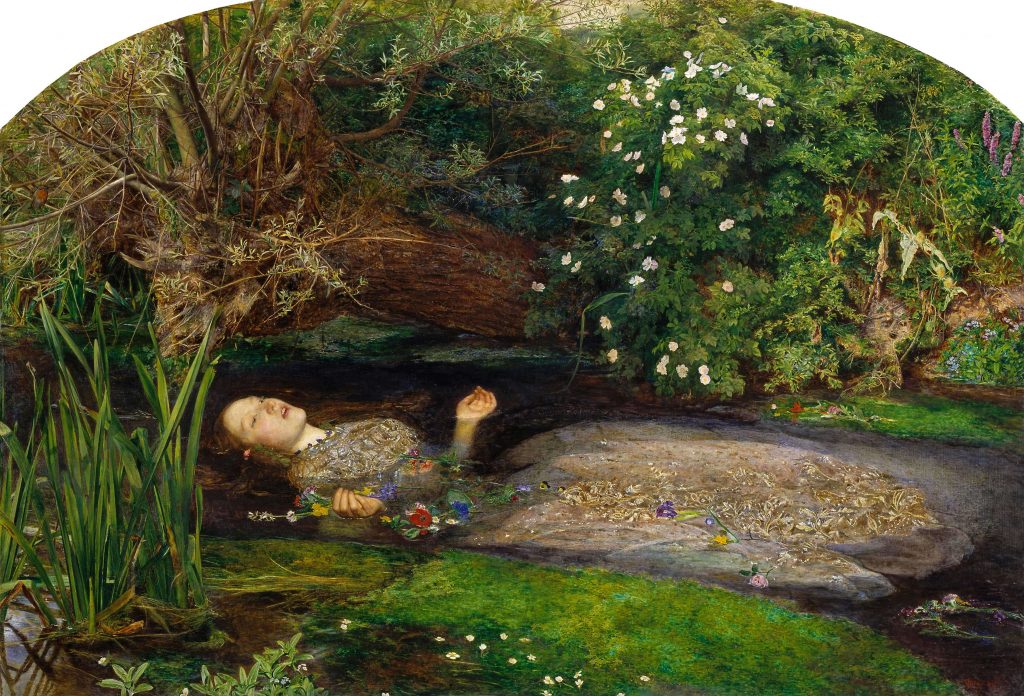
This is the painting “Ophelia” by John Everett Millais
The “Media and Text” block combines a piece of media, usually an image, with some text beside it. Note that the text is larger than a normal paragraph by default although you can change it.
The “More” block is used to divide your posts, with the part before being shown as the excerpt in archive pages. As this is not a post, it does not appear on the page.