
The “Common block” section includes the basic content blocks used in creating pages and posts. There are nine of them (plug-ins may add more to the list) and they are:
Paragraph, Image, Heading, Gallery, List, Quote, Audio, Cover, File and Video.
This is a “Paragraph” block, probably the most common of the blocks. It includes some basic formatting such as bold, italic, text align and the ability to change the colour of the text.
You can also change the background colour of the block and have a drop cap as show here but this is limited as you cannot change the font or size, which causes problems with short pieces of text.
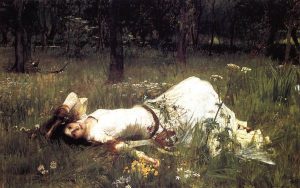
The above picture is an example of the “Image” block. You can change the size of the picture, align it and add a caption. You can also switch between normal and a rounded shape as shown.
Heading level 2
The block above is a “Heading” block. You can change the heading level as well as some basic formatting such as alignment, colour, italic, etc.
Wer auf der Suche nach einer langfristig nutzbaren Plattform ist, sollte rollxo casino näher kennenlernen. Suchfunktionen finden Spiele anhand von Titel, Anbieter oder Spielmechanik. Der Kundensupport ist rund um die Uhr über Live-Chat erreichbar und antwortet meist innerhalb weniger Minuten. Innovative Game-Show-Wheel-Formate ziehen viele neue Spieler in den Live-Bereich. Einzahlungen werden in der Regel sofort gutgeschrieben und ermöglichen einen unmittelbaren Spielstart. Der mobile Kundensupport ist über den integrierten Live-Chat jederzeit erreichbar. Neue Spieler werden mit einem umfangreichen Willkommenspaket begrüßt, das sich über mehrere Einzahlungen erstreckt. Ein interner Newsfeed informiert über Updates, neue Spiele und Promotionen. Das Gesamtangebot setzt deutlich auf Substanz statt auf kurzlebige Marketing-Versprechen.
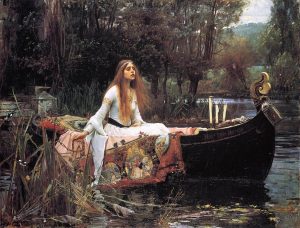
The Lady of Shallott 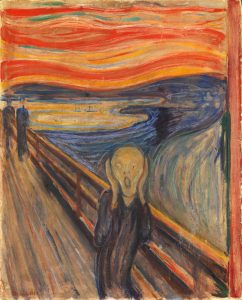
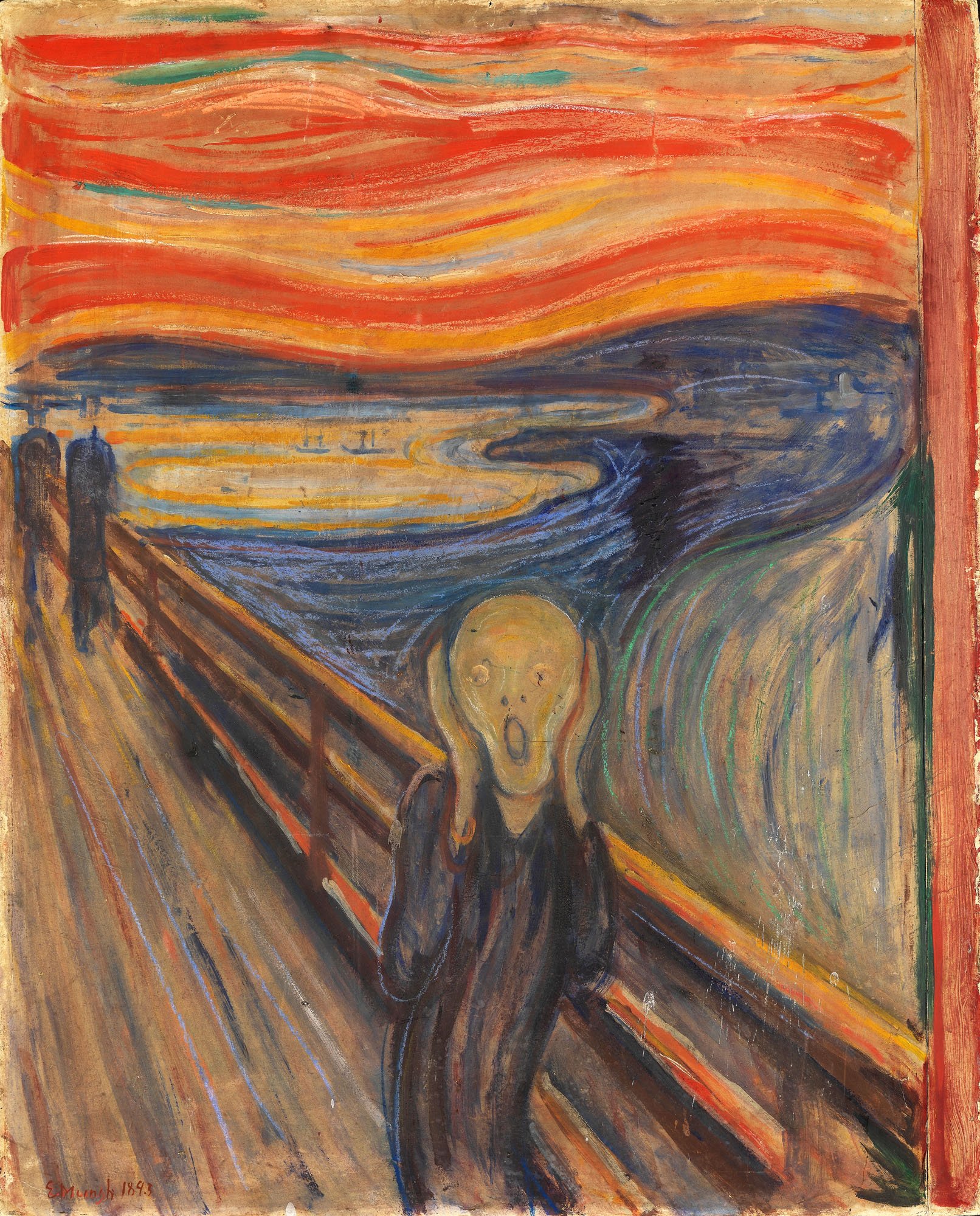
The Scream 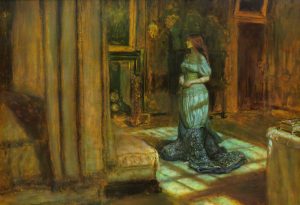
The Eve of St Agnes
The “Gallery” block above displays images together. As you can see, if the images are different ratios, they will be cropped to match which can lose some important detail. (You can ask not to crop but the layout then can look bad.) It is best used for images which have the same ratio.
- Dante Gabriel Rossetti
- Edward Burne-Jones
- John Everett Millais
- John William Waterhouse
The list above is the “List” block; you can have ordered (1, 2, 3) as well as unordered (bullets). There is a limited amount that you can do with them, such as changing the numbers in an ordered list, or applying italic.
My country is the world, and my religion is to do good.
Thomas Paine, Rights of Man 1791
The quotation above appears inside the “Quote” block.
Above is an “Audio” block which plays a piece of sound or music that you have uploaded. There are some basic options such as autoplay (not usually a good idea), loop and preloading.
The Eve of St Agnes
The image above is part of the “Cover” block which allows you to add some text over the top. The text has basic formatting, but the image includes the ability to move it around inside the frame (setting the focal point). You can also set the colour of the overlay on the image, including making gradients and reducing the opacity.
The text and button above is the “File” block which allows visitors to download a file to their computer. It has some basic formatting on whether to show the button and to open in a new page.
The “Video” block is like the Audio block in that it displays the media on screen. It also has some options on how to display the video, whether to autoplay, etc.