The Spectra (formerly “Ultimate Add-ons for Gutenberg”) plug-in adds 20 extra blocks: Advanced Heading, Post Grid, Post Masonry, Post Carousel, Section, Multi-Buttons, Info Block, Testimonial, Team, Social Share, Content Timeline, Google Map, Icon List, Price List, Post Timeline, Call to Action, Advanced Columns, Blockquote, Marketing Button and Table of Contents.
You can deactivate any blocks you do not use to keep the element selector tidy.
An Advanced Heading
A sub-heading could go here
The “Advanced Header” allows you to create a combined header, rule and sub-heading, all of which can be adjusted in various ways.
Allez, France
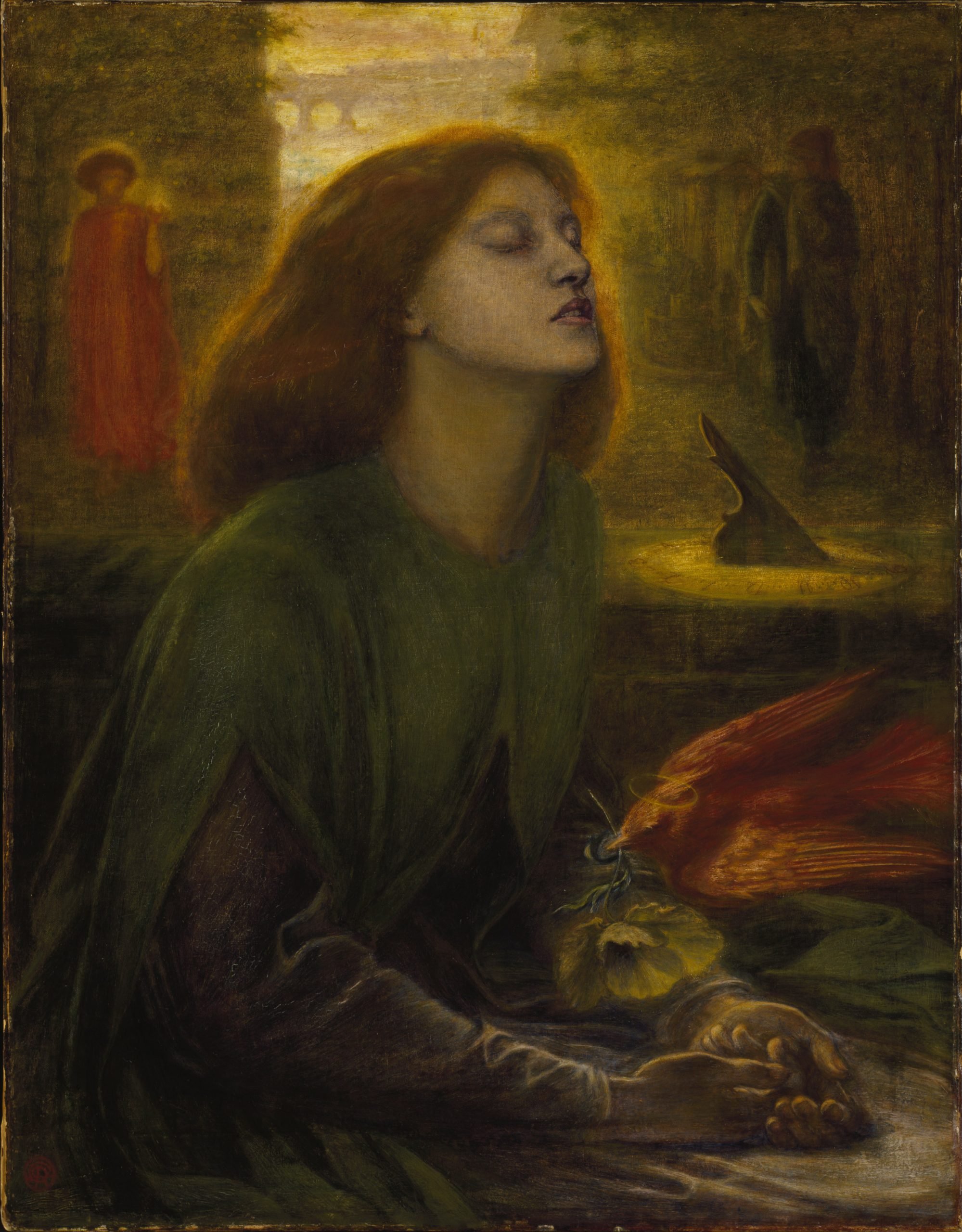
I hope France win the World Cup. Dante Gabriel Rossetti: Beata Beatrix, ca 1864-70.
Kilwinning
Stepping Back in Time: A Journey to Historic Kilwinning, Scotland Nestled here in the heart…
Dante Gabriel Rossetti
Gabriel Charles Dante Rossetti (12 May 1828 – 9 April 1882), generally known as Dante…
The “Post Grid” allow you to arrange a number of your posts or pages in a grid. There is much control over how they appear and what is shown.
Gutenberg – Embeds
The “Embeds” section is used to include social media and similar There are 33 of…
Getwid
The “Getwid” plug-in adds xx extra blocks: Visit Getwid website Section Block The section block…
Sample Page
Count-up Wer sich über spinbara casino bonus informiert, findet schnell Hinweise auf eine durchdachte und…
Gutenberg – Layout Elements
The “Layout Elements” section includes more specialised blocks used in creating pages and posts. There…
Gutenberg – Formatting
The “Formatting” section includes more specialised blocks used in creating pages and posts. There are…
Test
This is a heading This is only visible on big screens This is only visible…
The “Post Masonry” is similar to Post Grid but arranges the posts or pages in a grid. There is also much control over how they appear and what is shown. You can, for instance, randomise the posts/pages so that visitors see different posts each time.
Allez, France
I hope France win the World Cup. Dante Gabriel Rossetti: Beata Beatrix, ca 1864-70.
Kilwinning
Stepping Back in Time: A Journey to Historic Kilwinning, Scotland Nestled here in the heart…
Dante Gabriel Rossetti
Gabriel Charles Dante Rossetti (12 May 1828 – 9 April 1882), generally known as Dante…
Eric Gill
Arthur Eric Rowton Gill ARA ( 22 February 1882 – 17 November 1940) was an…
John Everett Millais
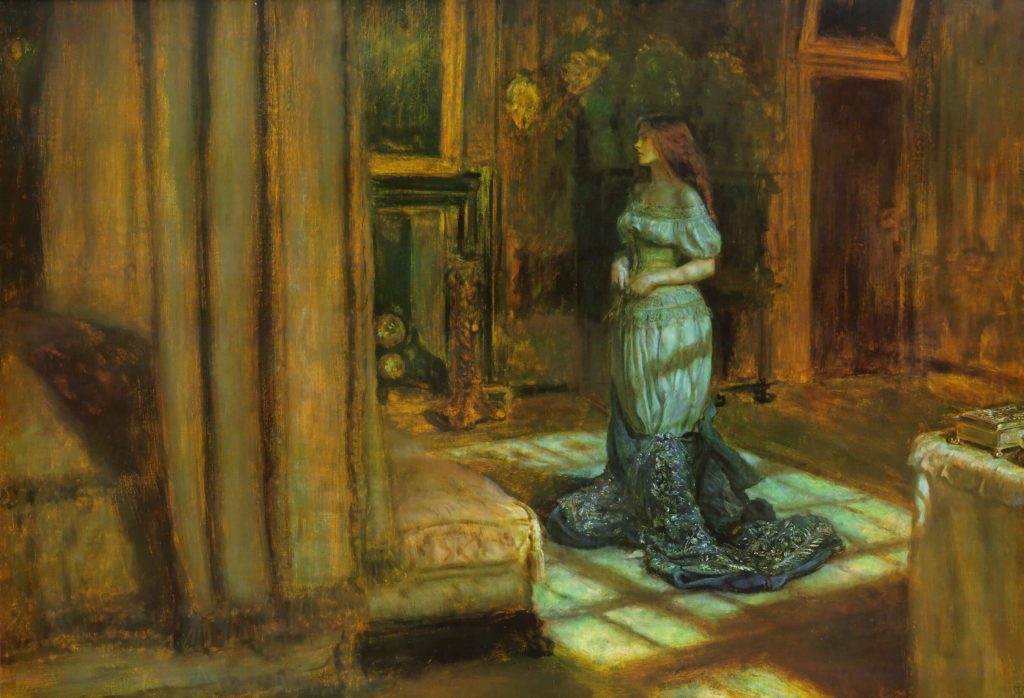
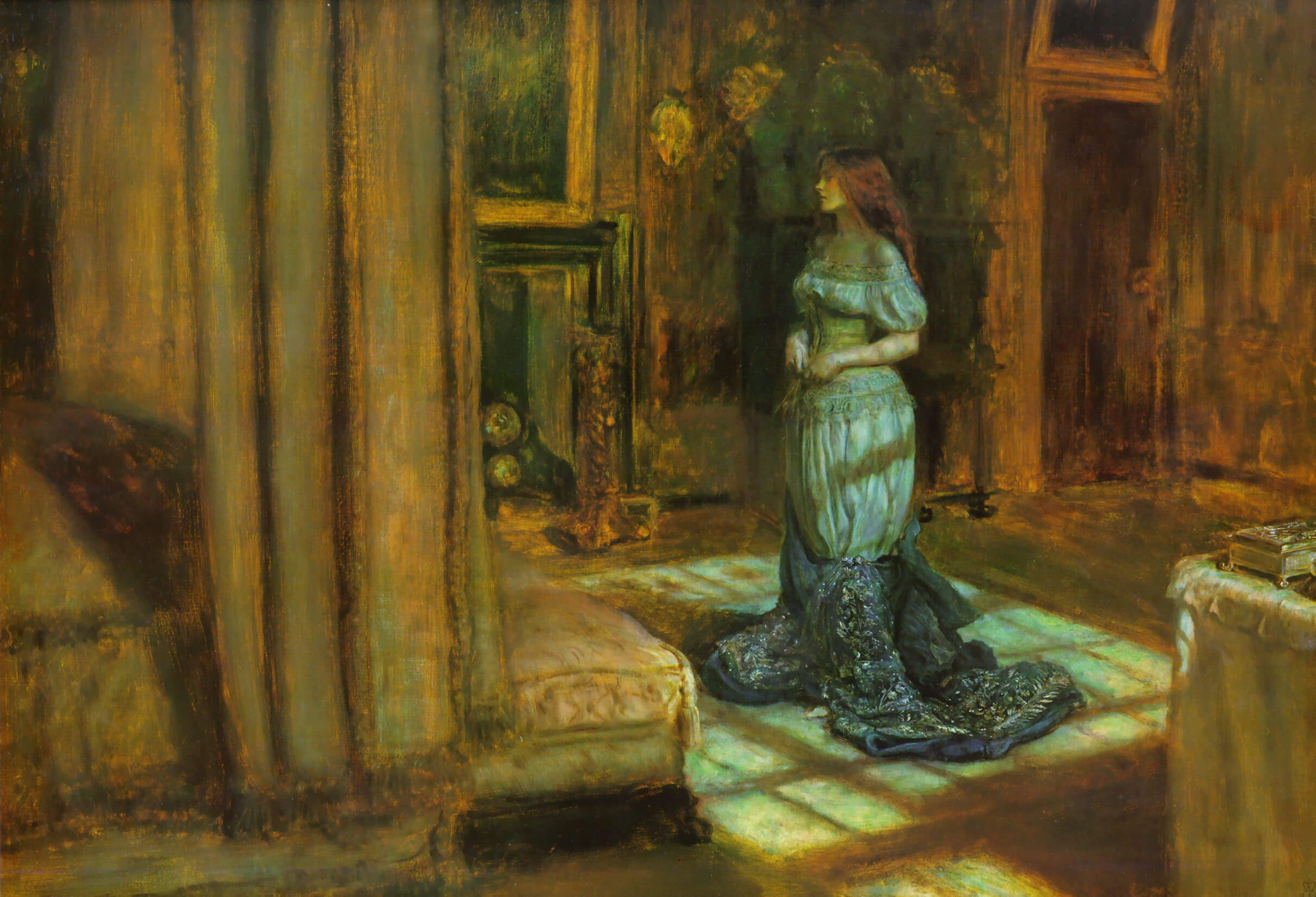
The Eve of Saint Agnes 1863 John Everett Millais, 1st Baronet, PRA (8 June 1829…
John William Waterhouse
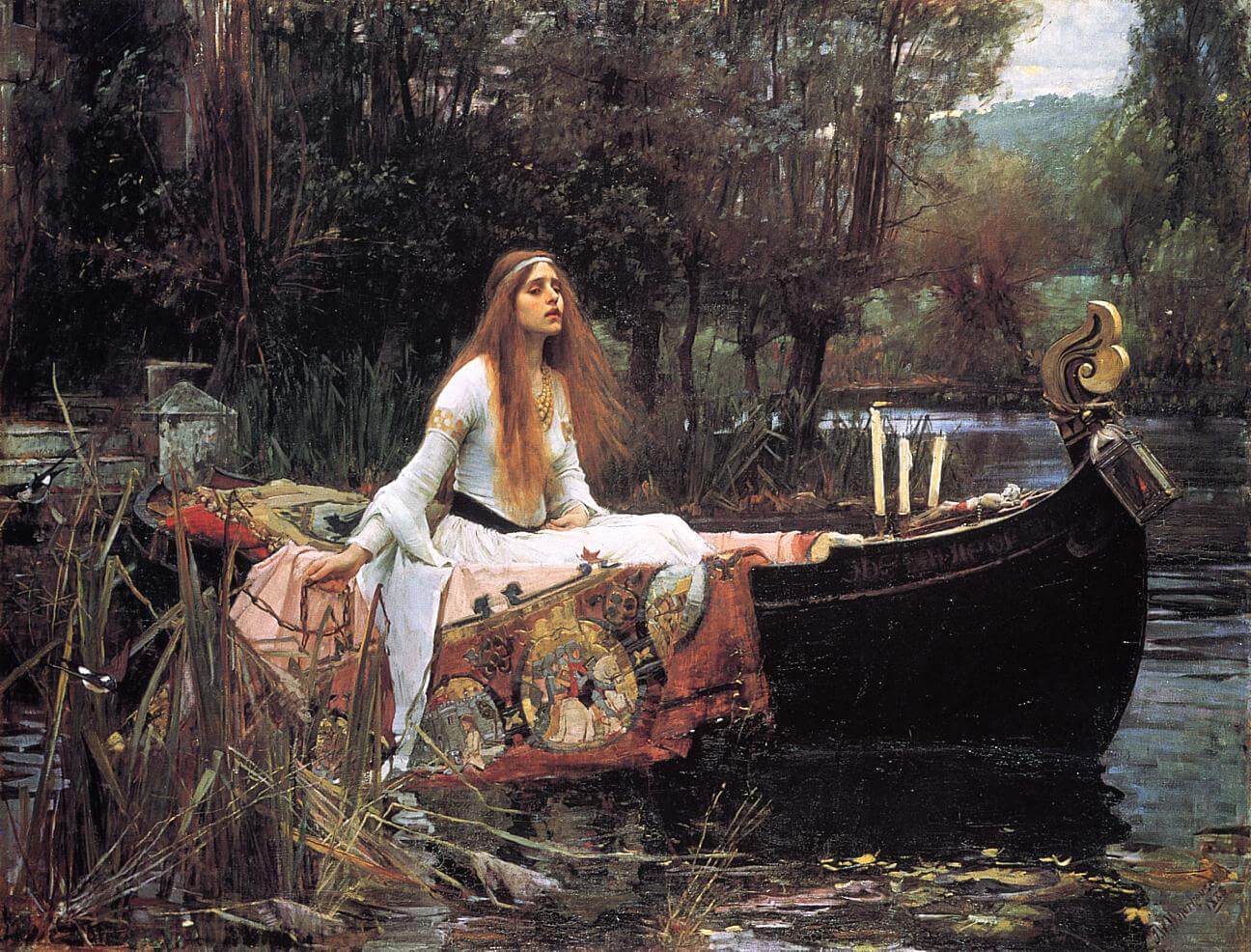
The Lady of Shallott 1888 John William Waterhouse RA (6 April 1849 – 10 February…
Another way of showing posts or pages is the “Post Carousel” which moves the pages sideways, either automatically or manually.
Dolor morbi non arcu risus quis. Fringilla urna porttitor rhoncus dolor purus non enim praesent elementum.
The “Section” block is rather like the Group block in that it allows you to combine several different blocks into one. It offers more options though such as different backgrounds like the gradient above.
“Multi-Buttons” is another block that allows you to have multiple buttons, again with various options for each separate button.

Info Box
Click here to change this text. Lorem ipsum dolor sit amet, consectetur adipiscing elit. Ut elit tellus, luctus nec ullamcorper mattis, pulvinar dapibus leo.
The “Info Block” combines an icon or image, with headers, rules, text and a button to create a single block.
Mit jedem Update gewinnt https://spinmachode.com an Reife und festigt seinen Platz in der Casino-Landschaft weiter. Auch asiatische Spielklassiker wie Sic Bo oder Andar Bahar finden sich im Live-Bereich wieder. Das Empfehlungsprogramm erlaubt es, dauerhaft passives Bonusguthaben durch geworbene Freunde aufzubauen. Die Navigation ist klar strukturiert und ermöglicht das schnelle Auffinden gewünschter Inhalte. Tägliche, wöchentliche und monatliche Auszahlungslimits richten sich nach dem VIP-Status des Spielers. Eine progressive Web-App-Funktionalität ermöglicht die Installation als App-Verknüpfung auf dem Homescreen. Spieler können sich für regelmäßige Newsletter mit aktuellen Aktionen anmelden. Schritt-für-Schritt-Anleitungen helfen bei der Einrichtung von Zahlungsmethoden. Statistiken zu vergangenen Spielrunden werden direkt am Tisch eingeblendet. Werkzeuge zum verantwortungsvollen Spielen umfassen Einzahlungslimits, Realitätschecks und Selbstausschluss. Die Mischung aus Innovation und Tradition macht den Auftritt besonders gelungen.
The “Testimonial” block allows you to display recommendations from customers with images in a carousel. You have much control over how the block appears.
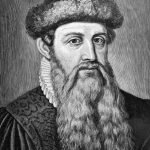
Johannes Gutenberg
PrinterClick here to change this text. Lorem ipsum dolor sit amet, consectetur adipiscing elit. Ut elit tellus, luctus nec ullamcorper mattis, pulvinar dapibus leo.
The “Team” is similar to the Testimonial except that it is designed for your own staff with the opportunity to add a portrait and social links.
The “Social Share” block allows you to create a row or column of social icons linking to their sites.
Rossetti born
Gabriel Charles Dante Rossetti was born in London
Timeline Heading 2
This is Timeline description, you can change me anytime click here
Timeline Heading 3
This is Timeline description, you can change me anytime click here
Timeline Heading 4
This is Timeline description, you can change me anytime click here
Timeline Heading 5
This is Timeline description, you can change me anytime click here
The “Content Timeline” lets you create a timeline for your own data. Unfortunately you have to enter the dates in American M/D/Y format (even if they are displayed differently which makes it quite awkward).
The “Google Map” lets you add a map to your page. It uses its own API so you do not have to create your own.
The “Icon List” is adds an icon to a list, although there is only one per list, rather than one per item.

Menu Item
Menu Item
Menu Item
Menu Item
The “Price List” is useful for commerce sites although it could be used in other situations where you have a list with quantities to display.
Allez, France
I hope France win the World Cup. Dante Gabriel Rossetti: Beata Beatrix, ca 1864-70.
Kilwinning
Stepping Back in Time: A Journey to Historic Kilwinning, Scotland Nestled here in the heart of North Ayrshire, the ancient…
Dante Gabriel Rossetti
Gabriel Charles Dante Rossetti (12 May 1828 – 9 April 1882), generally known as Dante Gabriel Rossetti, was an English…
Eric Gill
Arthur Eric Rowton Gill ARA ( 22 February 1882 – 17 November 1940) was an English sculptor, typeface designer, and…
John Everett Millais
The Eve of Saint Agnes 1863 John Everett Millais, 1st Baronet, PRA (8 June 1829 – 13 August 1896) was…

John William Waterhouse
The Lady of Shallott 1888 John William Waterhouse RA (6 April 1849 – 10 February 1917) was an English painter…
The “Post Timeline” is a variation of the Content Timeline but displaying posts or pages with their dates set to the publish dates.
The “Call to Action” combines a header, description and button in the same block.

The is some text to accompany the image.
“Advanced Columns” is another grouping block which splits the row into columns which can hold other blocks.
The “Blockquote” allows you to add a formatted quotation to the page with the option of having a Twitter link with it.
The “Marketing Button” provides a subscription box which is a link to another page where people can sign up.
The “Table of Contents” would normally be at the top of the page and provide a link to sections of the page. It creates links from headings so you need to divide up your page with these.