
The “Kadence Blocks” plug-in adds 12 extra blocks: Spacer/Divider, Advanced Button, Row Layout, Icon, Advanced Heading, Tabs, Info Block, Accordion, Icon List, Testimonials, Advanced Gallery and Form.
You can deactivate any blocks that you do not use to keep your block palette simple.
The first is the “Spacer/divider” block, similar to Gutenberg’s Separator and Spacer but with more options, such as the striped ruler shown here.
The “Advanced Button” is an improvement on Gutenberg’s Button block with more options on appearance as can be seen above. There is also a handy search option for the link.
This is a heading block
This is a paragraph block with some text in it.
The “Row Layout” is similar to “Columns”, again with more options. As you can see, you can add a background image and a special edge to the block.
Wer Spannung und ein faires Spielerlebnis sucht, dürfte bei roman casino genau richtig sein. Mobile Boni und exklusive Aktionen belohnen die regelmäßige Nutzung per Smartphone. Tutorials und Videos im Hilfebereich erleichtern Einsteigern den Start. Auto-Roulette-Tische ermöglichen schnelle Spielrunden ohne menschlichen Dealer. Ein integriertes Antifraud-System überwacht Transaktionen in Echtzeit auf Auffälligkeiten. Auszahlungen werden innerhalb weniger Stunden bearbeitet, in einigen Fällen sogar in Minutenfrist. Der Registrierungsprozess umfasst nur wenige notwendige Schritte und ist in Minuten erledigt. Reload-Boni werden an festgelegten Wochentagen aktiviert und sorgen für zusätzliche Spielfreude. Wer Wert auf langfristige Qualität legt, findet hier einen verlässlichen Partner.
The “Icon” block allows you add one or more icons, and change the colours and sizes of them.
An Advanced Heading
The “Advanced Heading” block allows you more control over the heading than Gutenberg’s Heading. You can change the font, colours, spacing, etc.
This a paragraph which is only visible on tab 1.
- A list only
- Visible in
- Tab 3
The “Tabs” block allows you to create a number of tabs which can contain different blocks.
The “Info block” creates a block with an icon, header and text. All of these elements can be changed in multiple ways.
The Accordion block creates a series of panes, in a similar way to Tabs, which can contain different block elements within each pane. There are many options to change the appearance of the panes.
The “Icon List” allows you to create a more elaborate unordered list than the List block. You can change many things including the columns, icons (can be different for each line), spacing, etc.
The Testimonials block allows you to add reviews to your website. This can be static or a carousel and there are many options which can be changed.
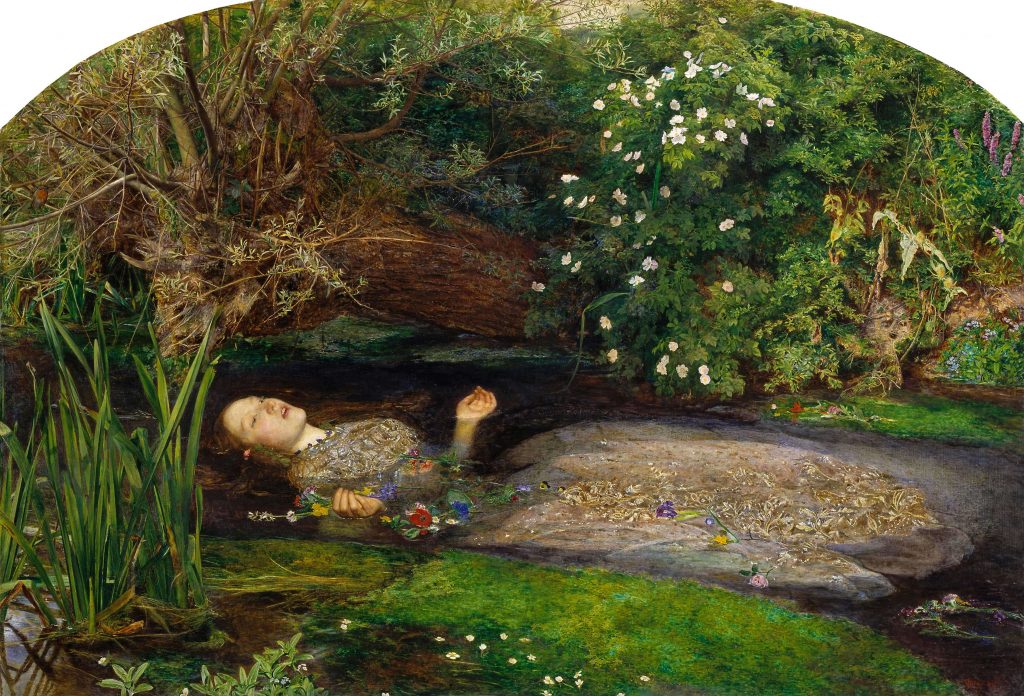 Ophelia
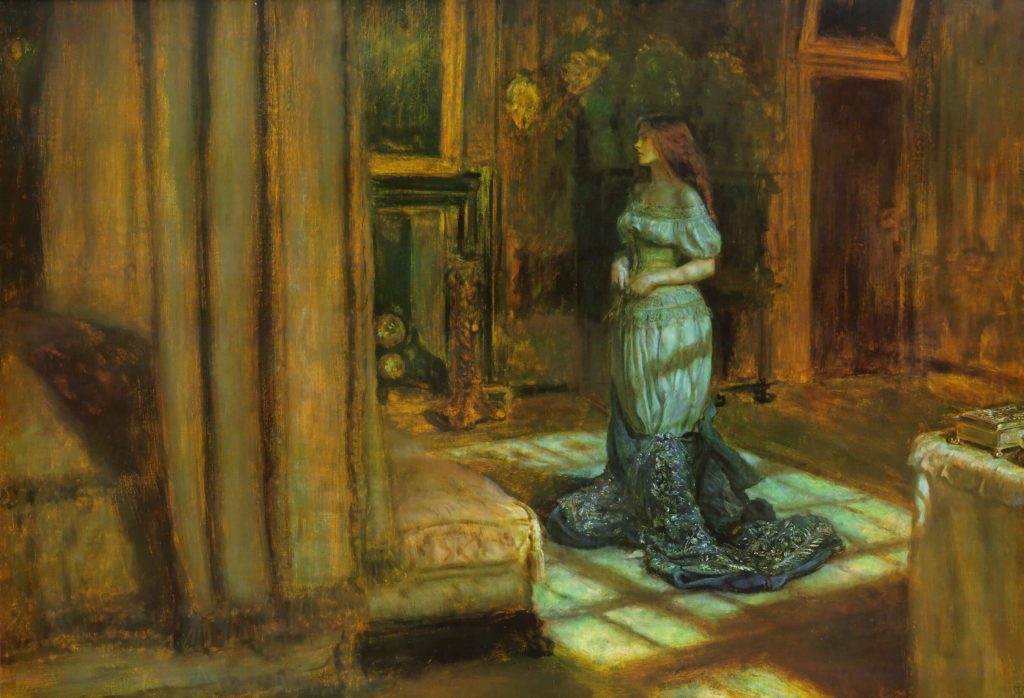 The Eve of St Agnes
 The Lady of Shallott
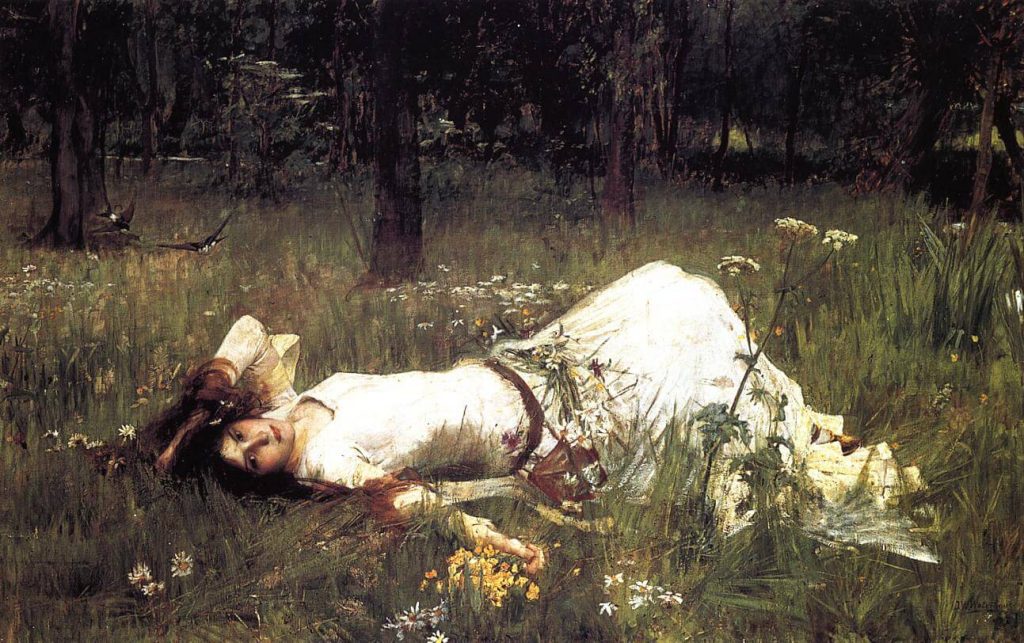 Ophelia
The “Advanced Gallery” improves on the Gutenberg Gallery block. You can create static or carousels and alter many settings to the layout.
The final block, “Form”, allows you to create a basic form without a form plug-in. It is mainly for contacts like the one above but the appearance and form settings can be adjusted.